在RockPi上部署
pip安装依赖项和库本身。可在PyPi上查看各种平台的预编译wheel。RockPi 4
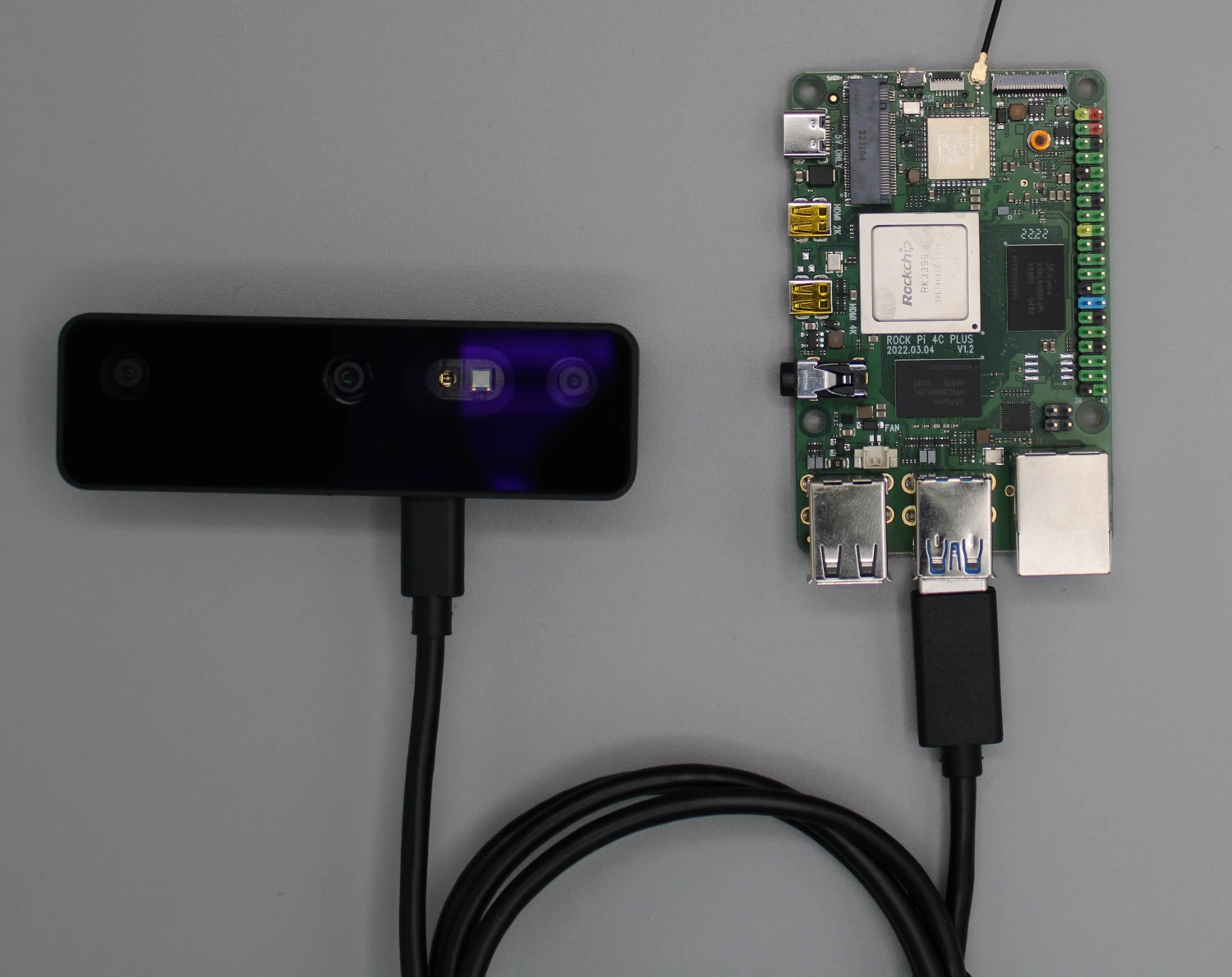
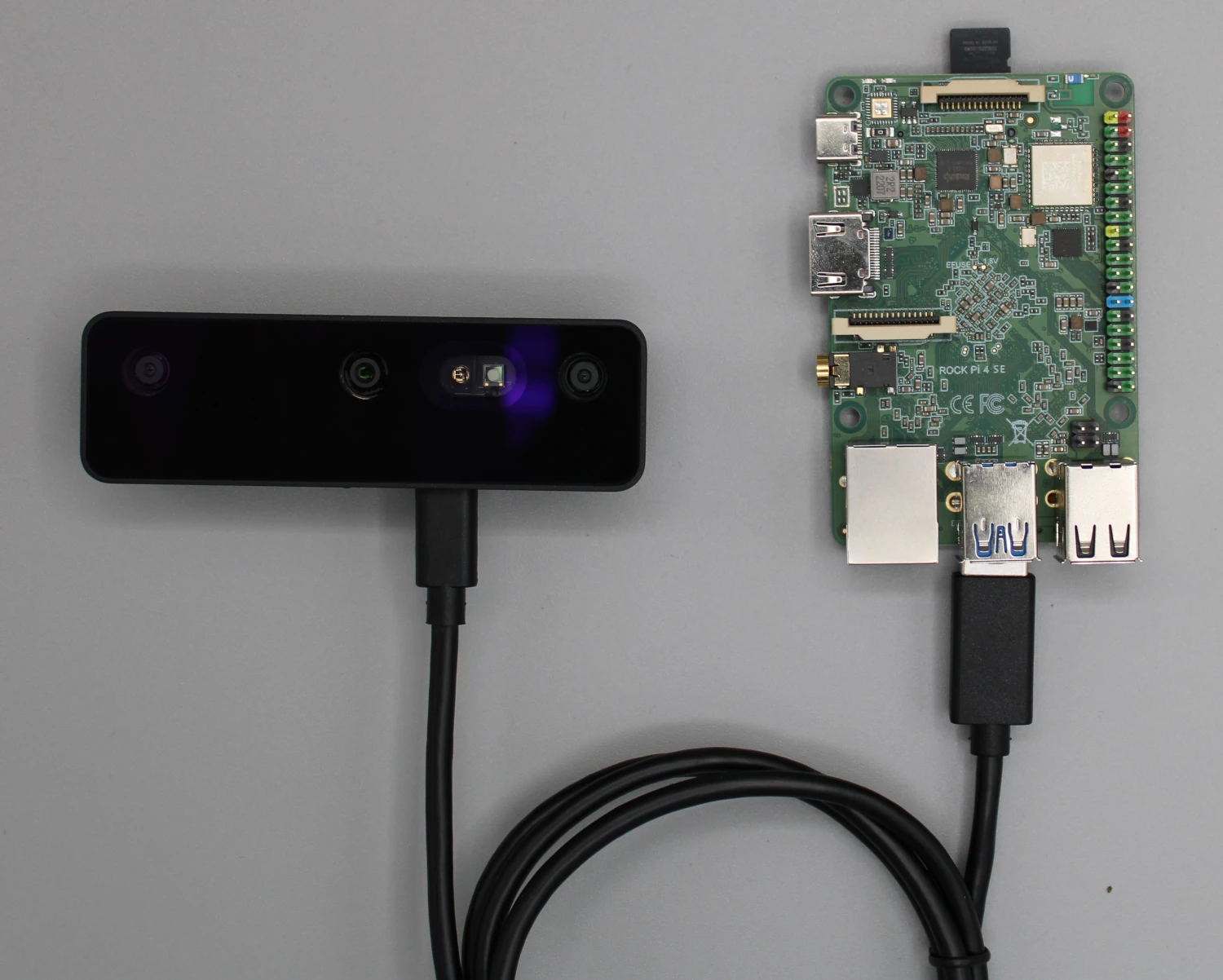
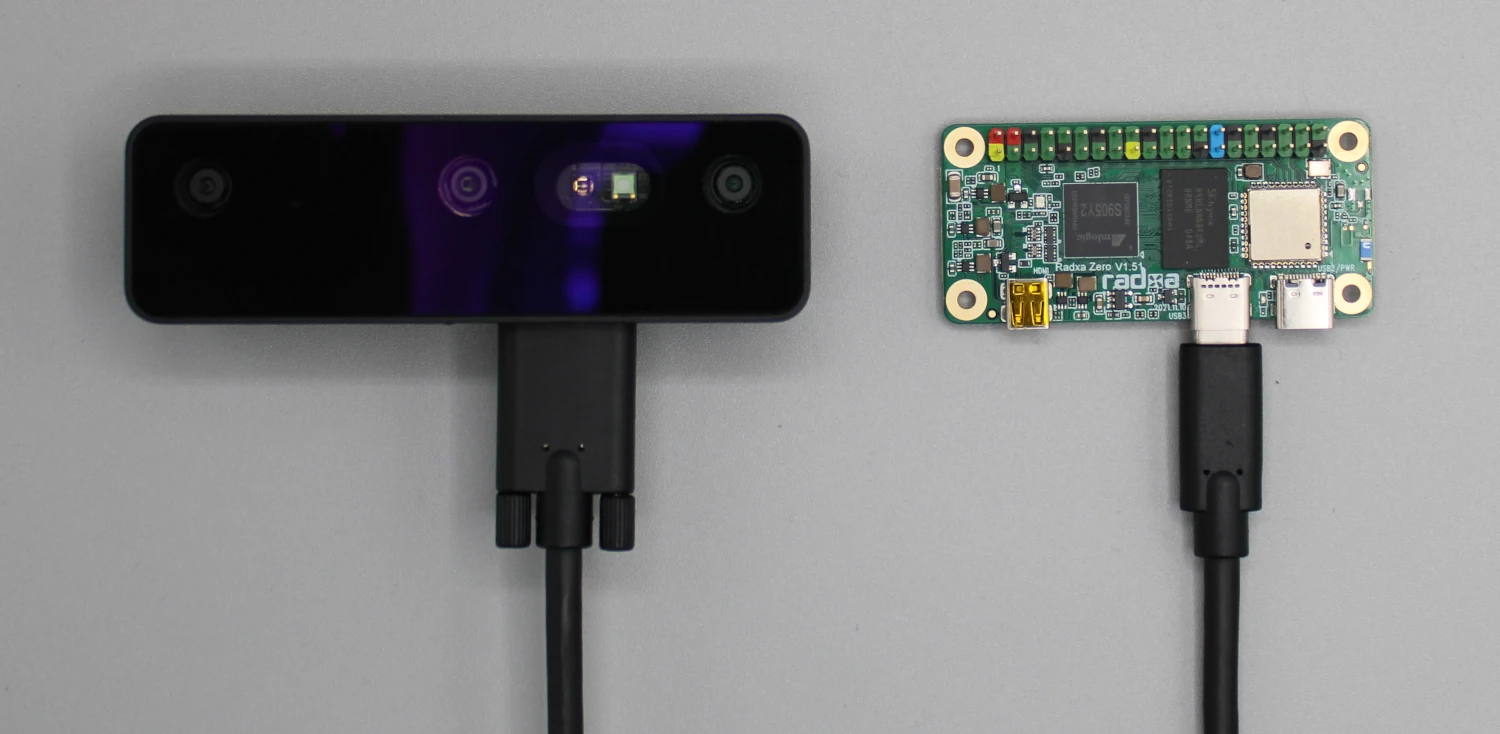
RockPi 4
在 RockPi 4 上安装 DepthAI
- Ubuntu Server (20.04)
- Debian 11 Desktop
打开终端窗口,运行以下命令更新系统:
Command Line
1sudo apt update && sudo apt upgrade安装 DepthAI 的依赖项:此脚本应能处理大部分依赖项的安装。如果脚本执行失败,请检查是否有任何 RockPi 特有的依赖项需额外安装。
Command Line
1sudo wget -qO- https://docs.luxonis.com/install_dependencies.sh | bash建议使用 Python 虚拟环境:在继续安装 DepthAI 之前,请确保已激活虚拟环境。
Command Line
1sudo apt install python3-venv
2python3 -m venv depthai-env
3source depthai-env/bin/activate克隆 DepthAI 仓库并安装库文件
Command Line
1git clone https://github.com/luxonis/depthai-python.git
2cd depthai-python
3python3 examples/install_requirements.py最后一步是编辑
.bashrc 文件,添加以下内容:Command Line
1echo "export OPENBLAS_CORETYPE=ARMV8" >> ~/.bashrcRockPi 上 OAK 的电源注意事项
远程连接 RockPi
Command Line
1ssh username@rockpi_ip_address-X 标志的 X11 转发:Command Line
1ssh -X username@rockpi_ip_address- 在 RockPi 上安装 VNC 服务器。
- 启用并配置 VNC 服务器。
- 从另一台计算机使用 VNC 客户端进行连接。