多设备设置
发现OAK摄像头
DeviceIDs(唯一标识符)和XLink state。Python
1import depthai
2for device in depthai.Device.getAllAvailableDevices():
3 print(f"{device.getDeviceId()} {device.state}")Command Line
114442C10D13EABCE00 XLinkDeviceState.X_LINK_UNBOOTED
214442C1071659ACD00 XLinkDeviceState.X_LINK_UNBOOTED
33604808376 XLinkDeviceState.X_LINK_GATE
选择要使用的特定DepthAI设备
Python
1# 指定设备ID、IP地址或USB路径
2device_info = depthai.DeviceInfo("14442C108144F1D000") # 设备ID
3#device_info = depthai.DeviceInfo("192.168.1.44") # IP地址
4#device_info = depthai.DeviceInfo("3.3.3") # USB端口名称
5with depthai.Device(device_info) as device:
6 # ...指定要使用的POE设备
时间戳同步
DepthAI 2.24引入了Sync节点,可用于同步来自不同流或不同传感器(例如IMU和彩色帧)的消息。有关更多详细信息,请参见Sync节点。Sync节点目前不支持多设备同步,因此如果您想同步来自多个设备的消息,应使用手动方法。
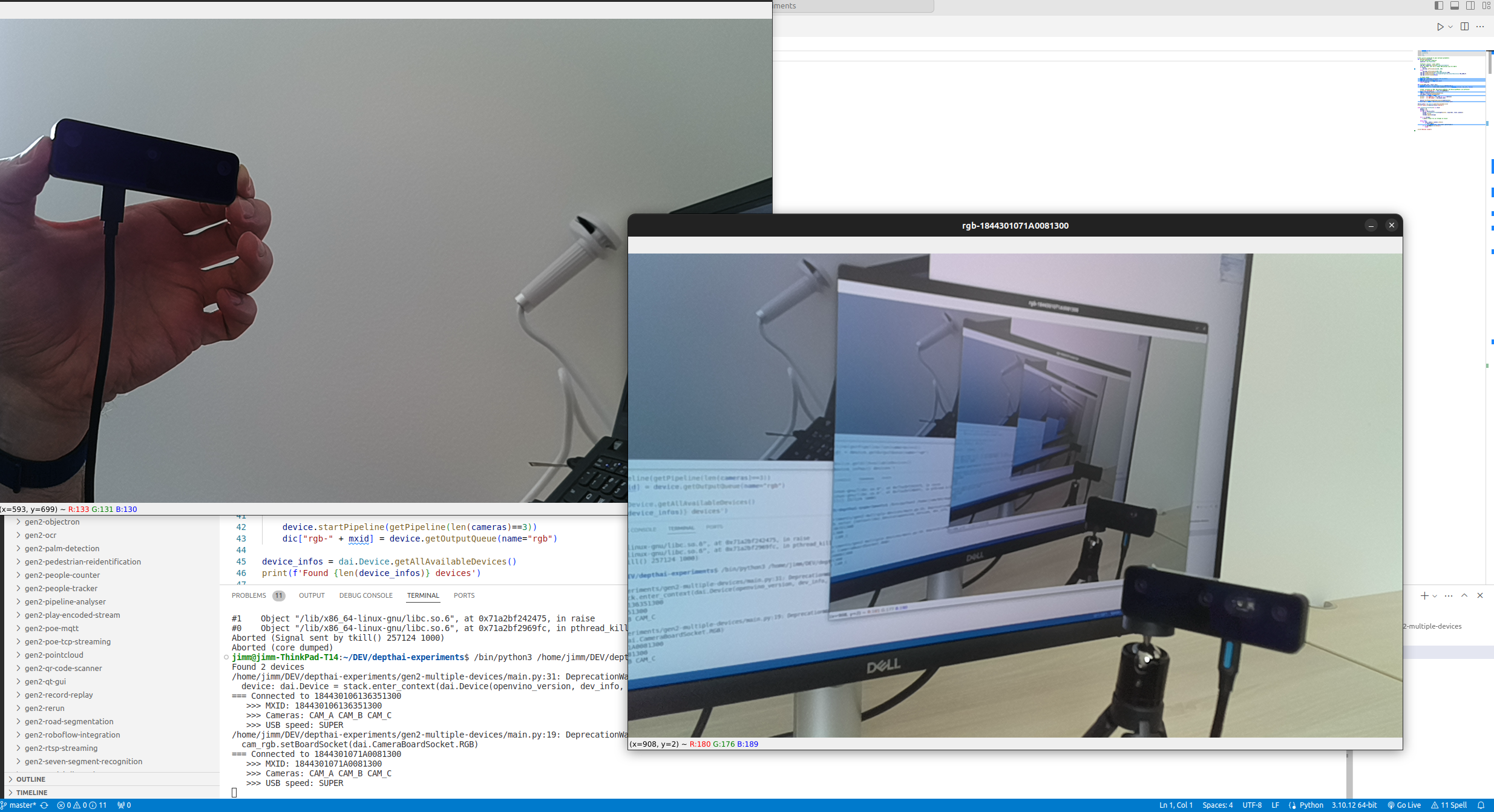
多摄像头演示
Python
1#!/usr/bin/env python3
2
3import cv2
4import depthai as dai
5import contextlib
6
7def createPipeline(pipeline):
8    camRgb = pipeline.create(dai.node.Camera).build(dai.CameraBoardSocket.CAM_A)
9    output = camRgb.requestOutput((1280, 800), dai.ImgFrame.Type.NV12 ,dai.ImgResizeMode.CROP, 20).createOutputQueue()
10    return pipeline, output
11
12with contextlib.ExitStack() as stack:
13    deviceInfos = dai.Device.getAllAvailableDevices()
14    print("=== Found devices: ", deviceInfos)
15    queues = []
16    pipelines = []
17
18    for deviceInfo in deviceInfos:
19        pipeline = stack.enter_context(dai.Pipeline())
20        device = pipeline.getDefaultDevice()
21
22        print("===Connected to ", deviceInfo.getDeviceId())
23        mxId = device.getDeviceId()
24        cameras = device.getConnectedCameras()
25        usbSpeed = device.getUsbSpeed()
26        eepromData = device.readCalibration2().getEepromData()
27        print("   >>> Device ID:", mxId)
28        print("   >>> Num of cameras:", len(cameras))
29        if eepromData.boardName != "":
30            print("   >>> Board name:", eepromData.boardName)
31        if eepromData.productName != "":
32            print("   >>> Product name:", eepromData.productName)
33
34        pipeline, output = createPipeline(pipeline)
35        pipeline.start()
36        pipelines.append(pipeline)
37
38        queues.append(output)
39
40    while True:
41        for i, stream in enumerate(queues):
42            videoIn = stream.get()
43            assert isinstance(videoIn, dai.ImgFrame)
44            cv2.imshow(f"video_device{i}", videoIn.getCvFrame())
45        if cv2.waitKey(1) == ord('q'):
46            break
多摄像头标定
GitHub上的多摄像头标定
